
View Recalled Versions
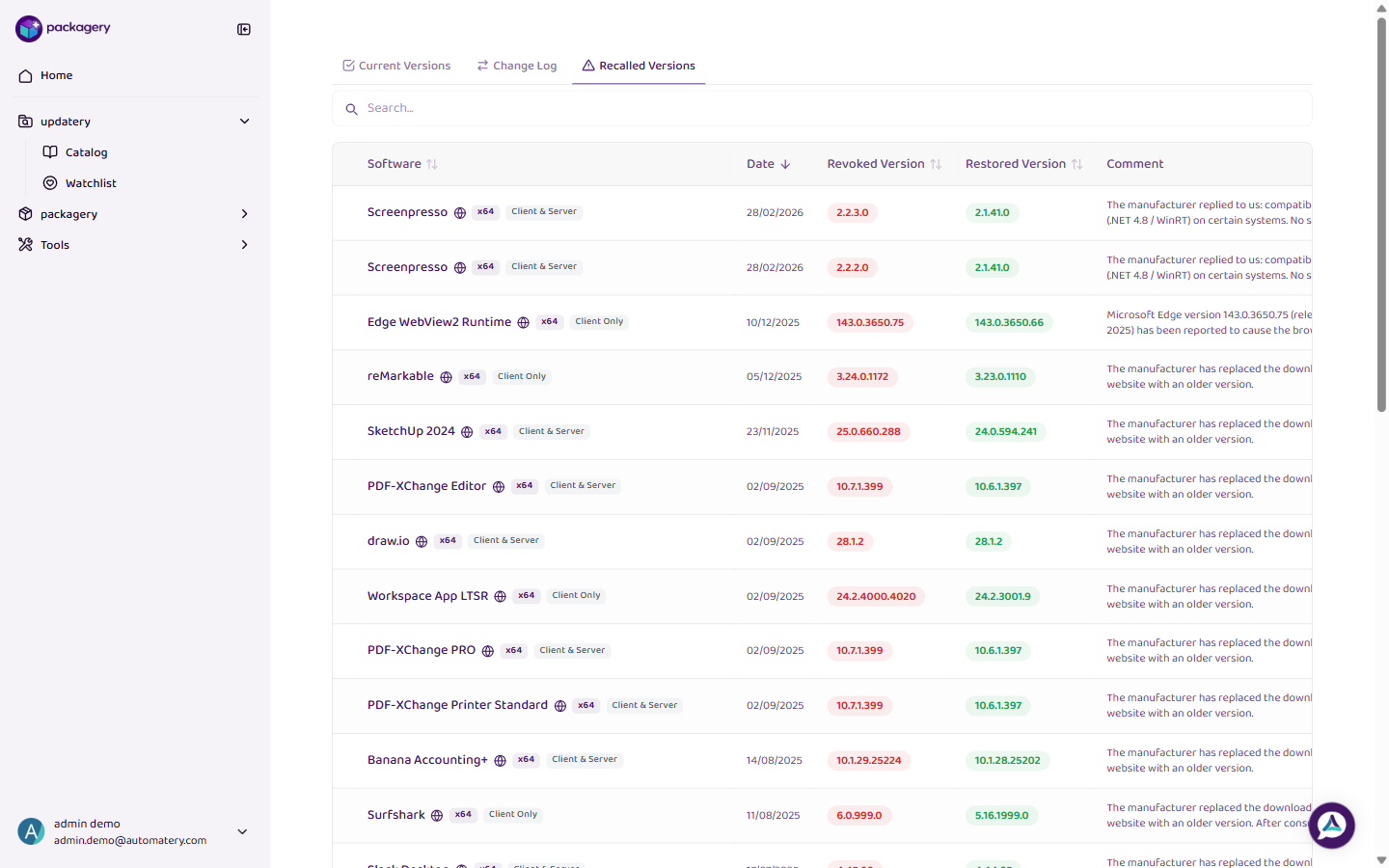
View software versions that have been recalled by the manufacturer or your team and should not be used for new packages.
-
Navigate to the updatery catalog page
Navigate to the updatery catalog page.
-
Click
Click the Recalled Versions tab to see all software versions that have been recalled. These versions should not be used for new package builds.
-
Click
Click on a recalled version entry to see the reason for the recall and any additional details.