
Manage Watchlist
Add software to your personal watchlist to receive notifications about new versions.
-
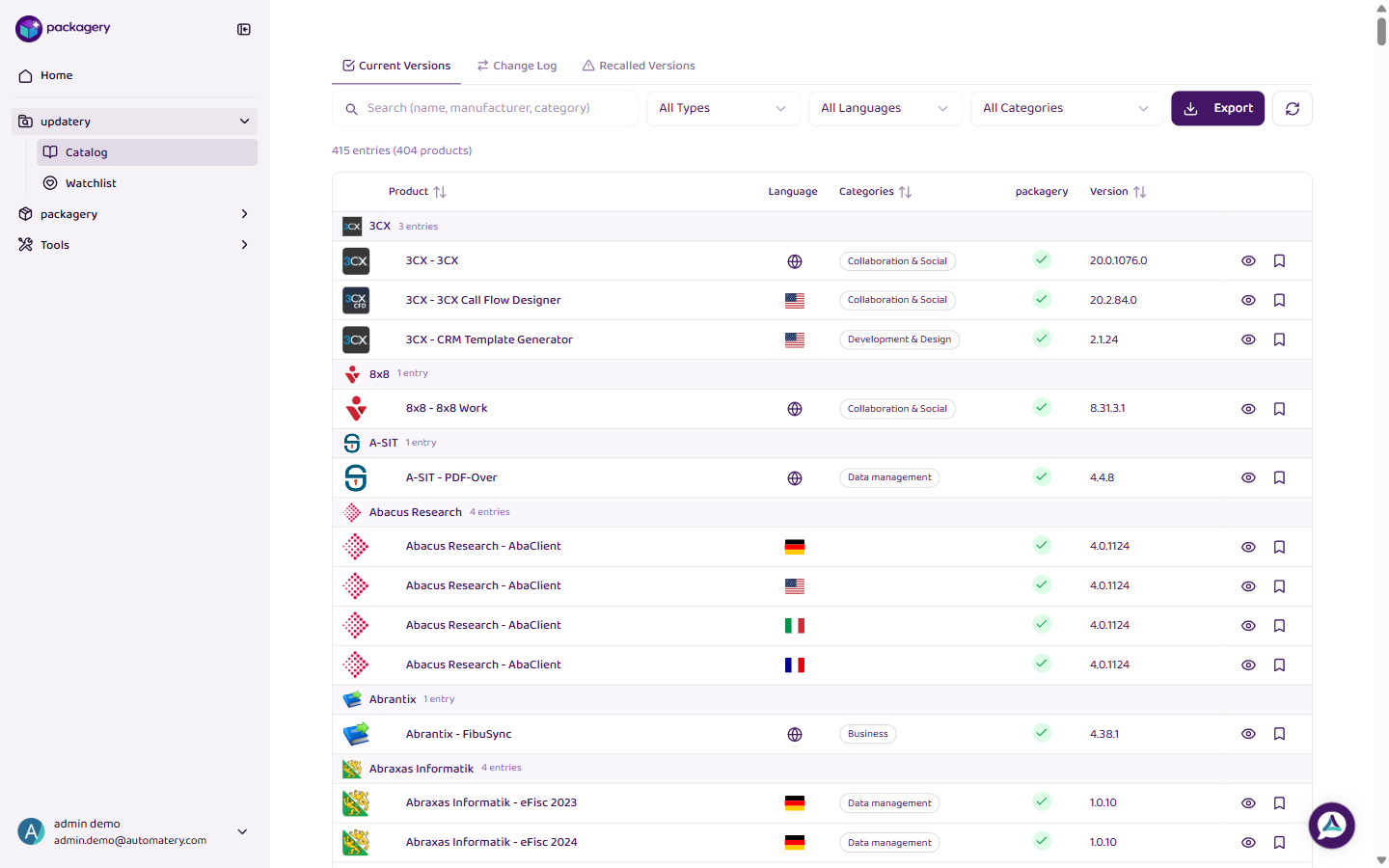
Navigate to the updatery catalog
Navigate to the updatery catalog. The catalog shows tabs for Current Versions, Watchlist, Change Log, and Recalled Versions.
-
Click
Click on a software entry in the Current Versions tab to open its detail view. From there you can add it to your watchlist.
-
Click
Switch to the Watchlist tab to see all software you are watching. You will be notified whenever a new version is released for any watched software.
-
Click
To remove software from your watchlist, use the controls in the Watchlist tab. Your watchlist is personal — each user manages their own.