
Intune Application Manager
Connect to your Microsoft Intune tenant and manage deployed applications directly from the portal.
-
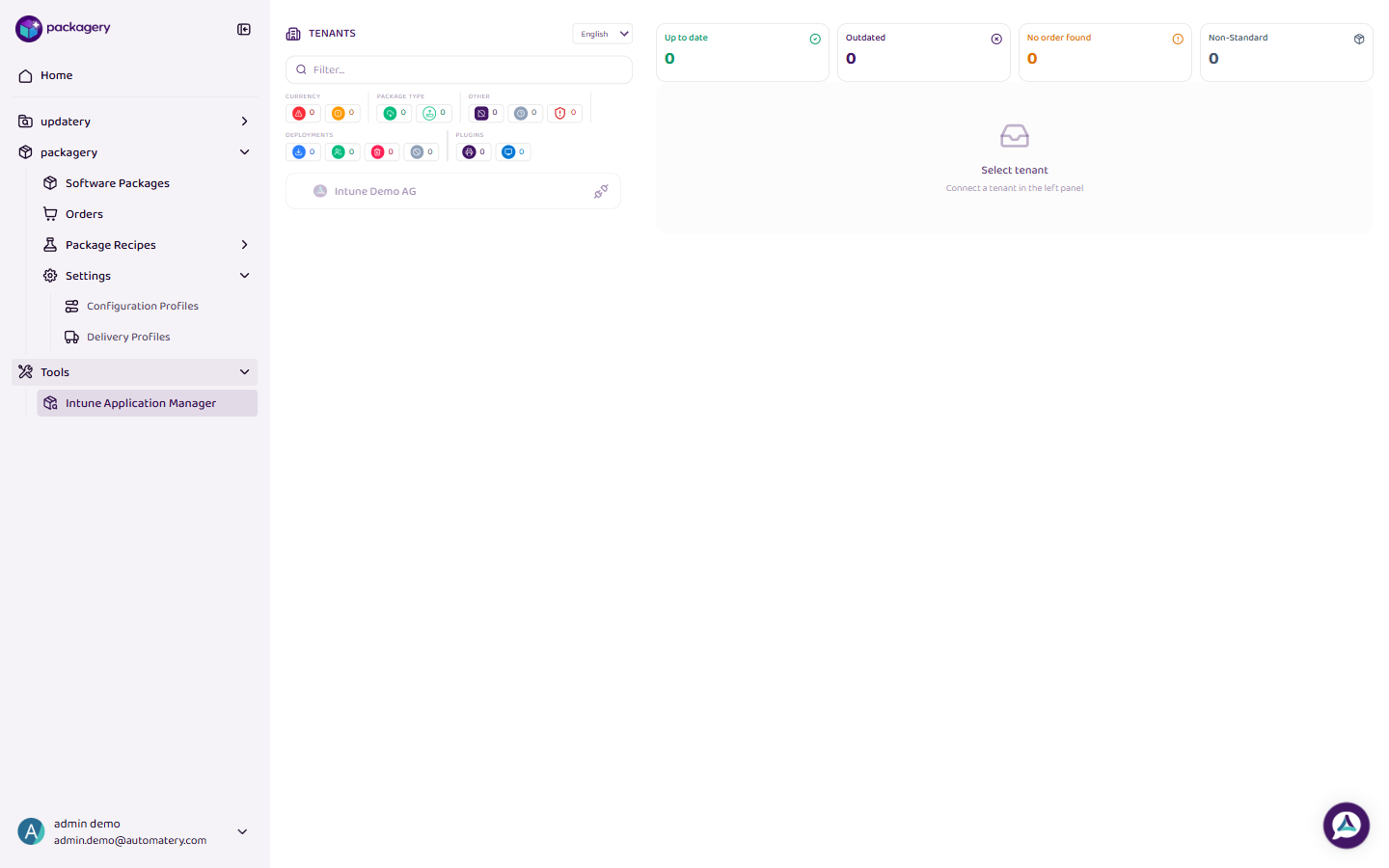
Navigate to Tools > Intune Application Manager
Navigate to Tools > Intune Application Manager. You see a list of configured tenants from your delivery profiles.
-
Select a tenant and click Connect
Select a tenant and click Connect. A Microsoft login window opens for admin authentication. The system checks whether all required Intune permissions are present.
-
Result
After connecting, the app list loads showing all Intune applications with name, type, version, and status. Click any app for detailed information including assignments and installation status.
-
The tenant connection is stored in your browser
The tenant connection is stored in your browser. It must be re-established in a new browser session or after extended inactivity. Only applications your account has read permissions for are shown.