
View Completed Packages
View and filter all successfully built software packages.
-
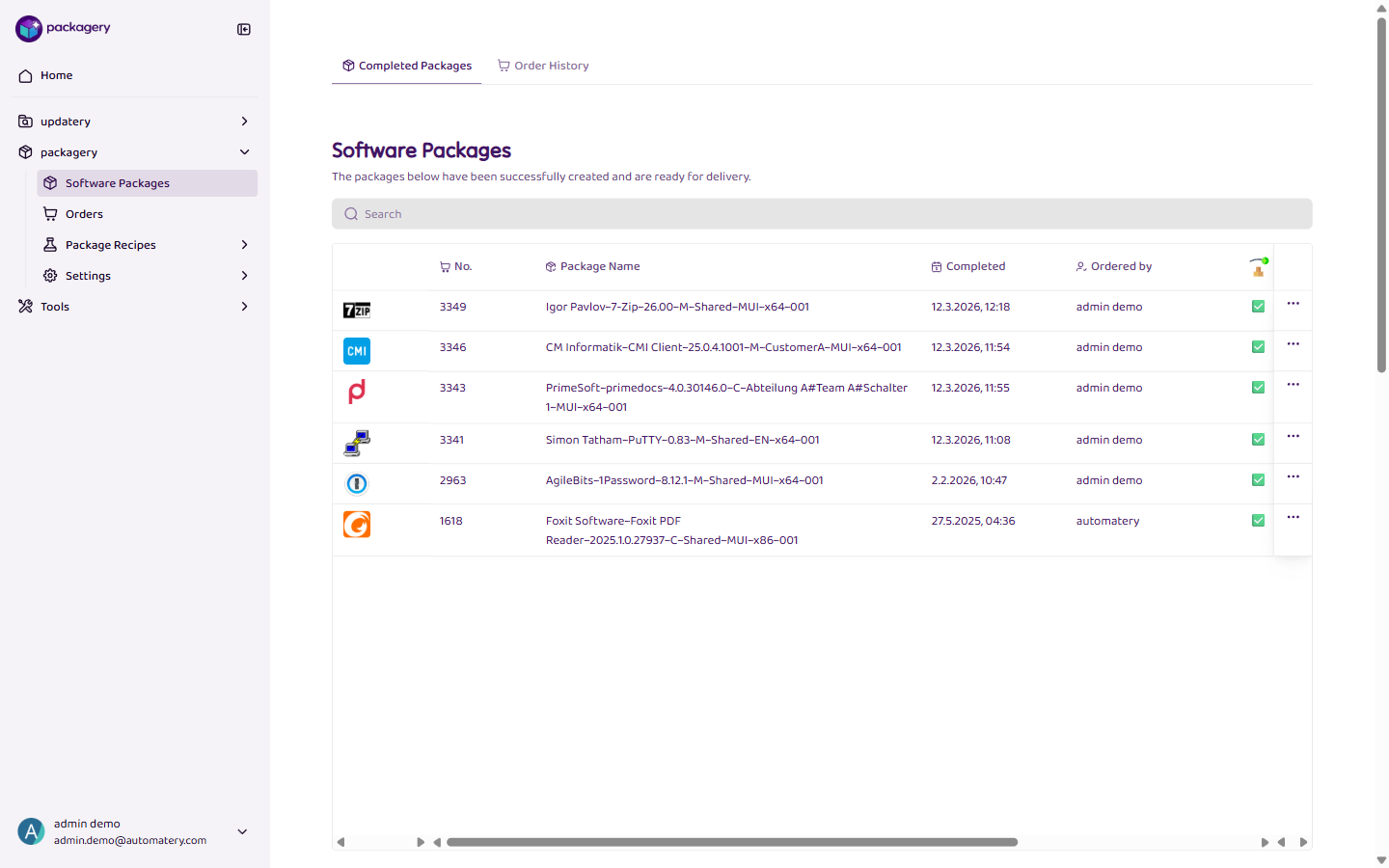
Navigate to the Software Packages page
Navigate to the Software Packages page. The Completed Packages tab shows all successfully built packages.
-
Fill in
Use the search field to filter packages by software name, version, or organizational unit (OU).
-
Click
Click on a package to see its details: software name and version, OU, creation date, build status, platform, architecture, and delivery status.
-
Click
Use the Export button to download the displayed package data as CSV or Excel file.