
Order Package Build
Trigger a package build from an active recipe or request an immediate build.
-
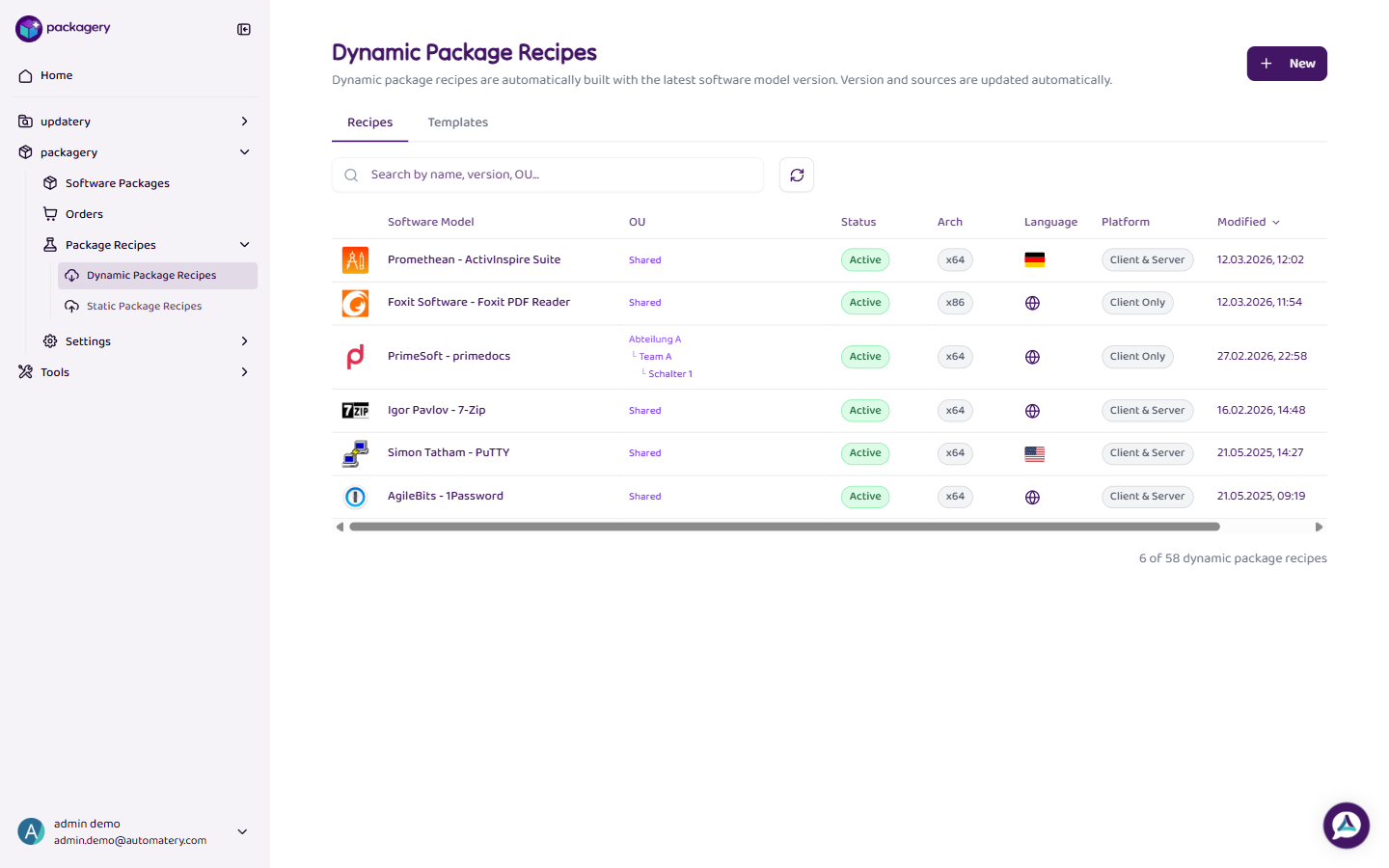
Navigate to the Package Recipes page
Navigate to the Package Recipes page. Find the recipe you want to order from.
-
Click
Click Order Package Build in the recipe row to create an order that triggers the build process. Only active recipes (not drafts) can be ordered.
-
The order is created and queued for processing
The order is created and queued for processing. You can track its progress on the Build Orders page.
-
Navigate
For urgent needs, you can trigger an Immediate Build from the Orders page. Immediate builds have priority and start processing right away.